




Description
WHAT IS THIS PRODUCT?
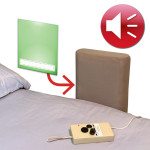
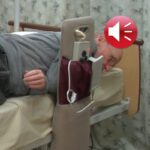
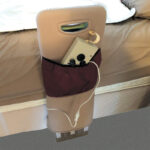
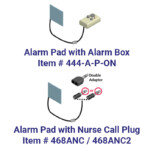
These products are accessories to the Bed Side Helper (sold separately), which is a product used to help people hold onto something when getting in and out of bed. The Alarm Pad can be added to the Bed Side Helper to alert the carer and the patient that they are leaning against the Helper, or if they knock it in the event of a seizure. Another use is for patients to tell a carer that they need assistance if they are not able to operate a nurse call pager.
There are two options with regard to the Alarm alerting carers:
- Alarm Box – An Alarm Box which makes a sound and has variable volume control.
- Nurse Call Plug – This plugs into the Nurse Call Paging System and sets off the carers’ pagers. It comes with a double adapter. This allows for a normal nurse call button to still be used in conjunction with the alarm.
Both options come with a 5m/16ft cable. Also available is a 10m/33ft Extension Cord. These can be linked together so that the alarm box can be placed virtually anywhere. Most facilities keep the alarm box in the corridor, but some have wired it through the ceiling, across other rooms to the nurses’ station.
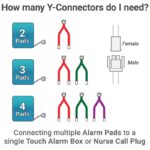
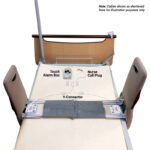
If there are two Bed Side Helpers being used together on one side of the bed, or on opposite sides, then two Alarm Pads can be joined together using a Y-Connector so that they can plug into a single Alarm Box or Nurse Call Plug. More Alarm Pads can be connected as required by using multiple Y-Connectors plugged in to each other.
WHO IS THIS PRODUCT SUITABLE FOR?
This accessory product is suitable for people who use the Pelican Bed Side Helper.
BRIEF INSTRUCTIONS FOR USE
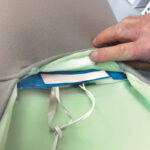
Remove the Cover from the Bed Side Helper. Slide the Alarm Pad into the Cover, making sure the hook tape on the Alarm Pad is facing the correct way up to attach to the loop tape. Once the Alarm Pad is in position inside the Cover, ensure that it is completely flat and that none of the corners are folded over. Press the hook & loop tape together to fix the Alarm Pad in place, then slide the Cover back onto the Bed Side Helper.
Patients may still get out of bed without sounding the Alarm. If getting out of bed is a problem, we suggest using a Stand Up Floor Alarm or Stand Up Floor Lino Alarm.
WHAT IS THIS PRODUCT MADE FROM?
Foam, electrical components.
Technical
STOCK KEEPING UNIT (SKU), WEIGHT, GLOBAL TRADE ITEM NUMBER (GTIN)
| SKU | DETAILS | WEIGHT | GTIN |
| 468ACS | Alarm Pad Contact Sheets | 0.18kg / 0.4lbs | 9349145009297 |
| 444-A-P-ON | Alarm Box – Pressure On | 0.32kg / 0.7lbs | 9349145009266 |
| 4441B | Nurse Call (Mono Plug) | 0.18kg / 0.4lbs | 9349145009273 |
| 4442B | Nurse Call (Stereo Plug) | 0.18kg / 0.4lbs | 9349145009280 |
| 444DA | Double Adapter | 0.05kg / 0.1lbs | 9349145007965 |
| 444EC | Extension Cord | 0.18kg / 0.4lbs | 9349145007262 |
| 444Y | Y-Connector | 0.09kg / 0.2lbs | 9349145007248 |
GLOBAL MEDICAL DEVICE NUMBER (GMDN)
12585
Cleaning
CLEANING METHOD – HEAT SEALED VERSION
Wipe clean.
MAXIMUM WASHING TEMPERATURE
N/A
DETERGENT
Use a mild hospital grade disinfectant.
DRYING METHOD
Air dry in the shade.
CLEANING WARNING
Only use and store the product when it is dry. Test your cleaning chemicals on a discreet area to make sure it will not damage the material.
Do not machine wash or submerse the Alarm Pad in water.
If the Alarm Pad becomes soiled, it should be disposed of and replaced.
Important
Consult your medical therapist before using to ensure this product is suitable for the patient. Pelican cannot accept responsibility if a patient is harmed when using the Bed Side Helper.
Warranty: 12 months.
Warning: When using a double adaptor, if the patient’s Nurse Call button is removed from the adaptor, then the automatic Nurse Call system may not alert staff. There may be occasions when the facility does not want the patient to have a Nurse Call button as they may have dementia and be pushing the button for no reason. We understand that the patients should always have access to a Nurse Call button, so if this is removed, we recommend documenting this in their care plan. If the patient’s Nurse Call button is removed then the Pelican Stand Up Alarm can be plugged directly into the wall socket without using the double adaptor.
FAQ's
Choosing Between Wired and Wireless Alarms
HOW DOES THE ALARM WORK?
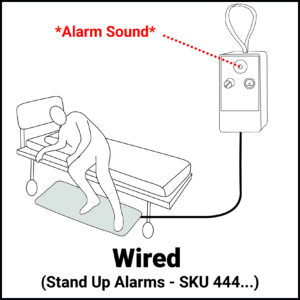
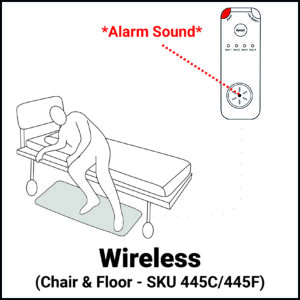
🔌 Wired: Each alarm pad plugs into an Alarm Box or Nurse Call System with a wired cable. The alarm noise can come directly from the Alarm Box, or alert through a facility’s Nurse Call System.
📶 Wireless: Each alarm pad plugs into a Transmitter. When the alarm is activated, the Transmitter sends a wireless signal to the Receiver which makes an alarm noise, or alerts a facility’s Nurse Call System.
IS INSTALLATION COMPLICATED?
🔌 Wired: Simple plug-and-play setup with no pairing required.
📶 Wireless: Requires initial pairing between the Transmitter and Receiver.
WHAT SET-UP OPTIONS ARE AVAILABLE?
🔌 Wired: Each pad generally needs its own sounding Alarm Box or Nurse Call Plug attachment. However, if using two alarm pads in close proximity (eg. a Stand Up Floor Alarm on either side of a bed), a Y-Connector can be used to run two pads into a single Alarm Box or Nurse Call Plug. One pad cannot be plugged into multiple Alarm Boxes.
📶 Wireless: Multiple pairing options are available. For example, up to four alarm pads can be paired to one Receiver, or one alarm pad can sound through multiple Receivers.
WHICH TYPE HAS THE LONGEST RANGE?
🔌 Wired: Limited by the length of the cable, although 10m/33ft Stand Up Alarm Extension Cords are available to increase the distance between the pad and the Alarm Box.
📶 Wireless: Allows greater freedom of placement, with the Receiver able to be located elsewhere in the home or facility without needing to use cables. Maximum range is approx. 50 metres / 165 feet.
WHICH TYPE HAS FEWER TRIP HAZARDS?
🔌 Wired: Cables may create a trip hazard if not routed carefully. Alarms come with a sign to alert carers and staff that an alarm is in place.
📶 Wireless: No cable between the Transmitter and Receiver means tripping hazards are reduced.
WHICH TYPE IS MORE RELIABLE?
🔌 Wired: Direct wired connection with no wireless signal involved generally experiences fewer false alarms caused by signal interference.
📶 Wireless: Uses a wireless connection, allowing flexible placement. Walls, metal objects, and other environmental factors may weaken the strength of the wireless signal.
WHAT ARE THE BATTERY REQUIREMENTS?
🔌 Wired: Powered by a 9V battery in the alarm box. Nurse Call Plug versions do not require batteries and plug into wall power outlet.
📶 Wireless: Requires two alkaline batteries in both the Transmitter (AAA) and Receiver (AA). An optional power adaptor is available for the Receiver only.
WHICH TYPE REQUIRES LESS MAINTENANCE?
🔌 Wired: Fewer electronic components to monitor. The alarm should be tested regularly to ensure it is working properly.
📶 Wireless: Batteries should be checked and replaced periodically. The alarm should also be tested regularly to ensure it is working properly.
CAN THE INTERNAL CONTACT SHEETS BE REPLACED?
🔌 Wired: Replacement contact sheets are available if the original contact sheet becomes damaged or stops working. All alarm pads work with internal contact sheets that wear down with use.
📶 Wireless: Wireless alarm pads cannot be opened to replace contact sheets. If internal contact sheets break or the short cable that connects the pad to the Transmitter is damaged, a new pad will need to be purchased.
WHICH TYPE IS BETTER FOR SHARED ROOMS?
🔌 Wired: Alarm sounds directly at the bed or chair location, unless it is plugged into a Nurse Call System or a Stand Up Alarm Extension Cord is being used.
📶 Wireless: Receiver can be placed with a caregiver, at a nursing station, or in another room. The Receiver can also be plugged into a Nurse Call System.
WHO SHOULD CHOOSE A WIRED OR WIRELESS ALARM?
🔌 Wired: Ideal for users who want a simple solution and are comfortable with a cable connection.
📶 Wireless: Ideal for users who want greater flexibility, reduced cable clutter, or remote notification capability.
Video
Alternative & Related Products
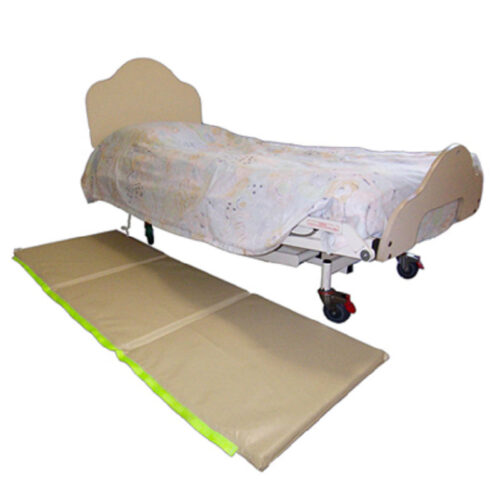

Bed Fall Mat Alarm
Helps carers know when a patient has stood on mat.
From AUD $602.00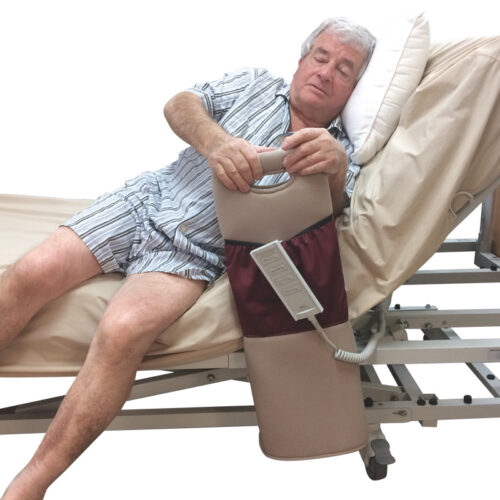

Bed Side Helper
Helps people getting in or out of bed.
From AUD $288.00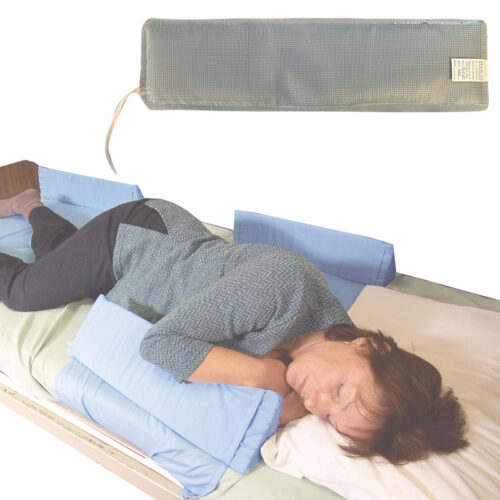

Bed Side Wedge Alarm Heat Sealed Pad
To alert carers when a patient presses down on wedge.
From AUD $96.00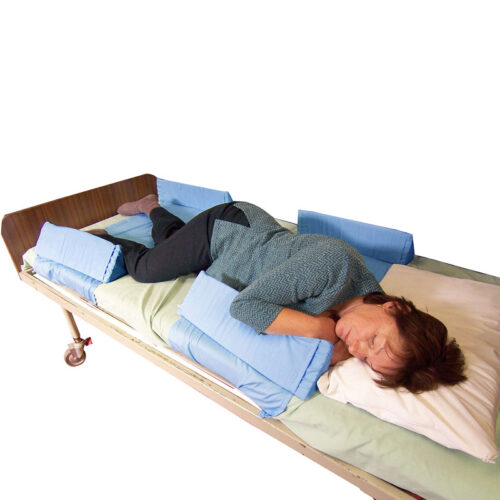
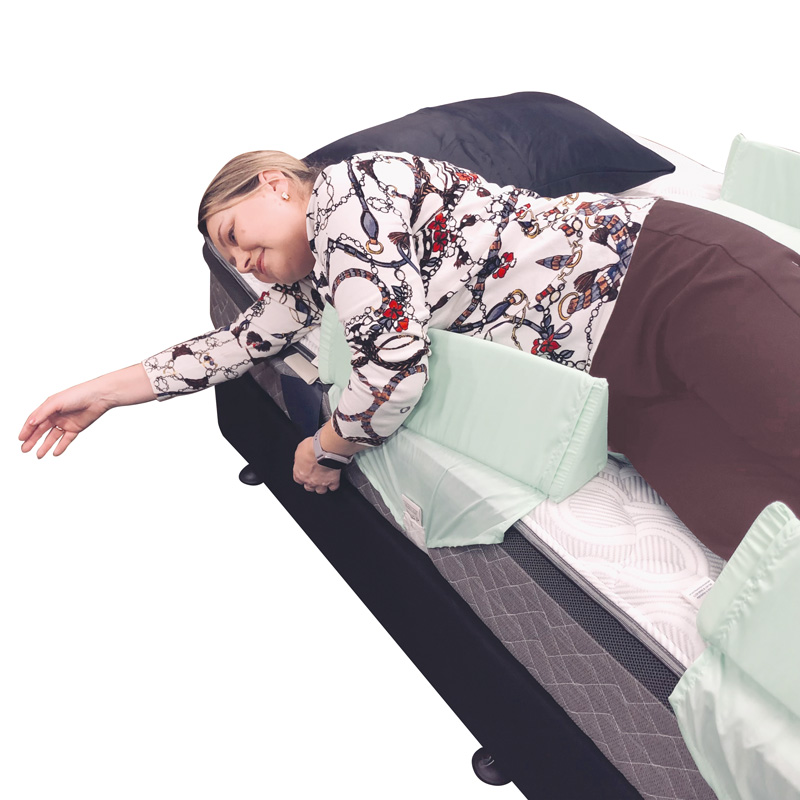
Bed Side Wedges
Helps prevent a patient from falling out of bed.
From AUD $255.00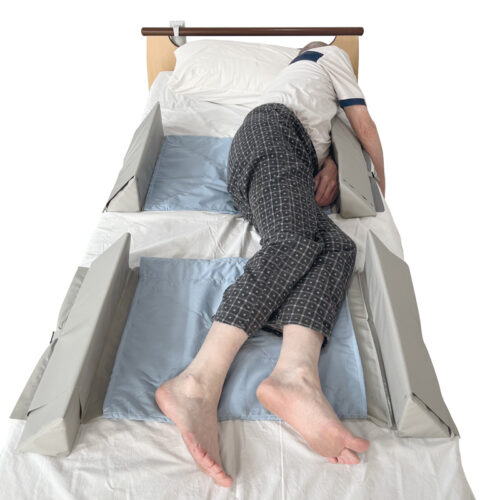
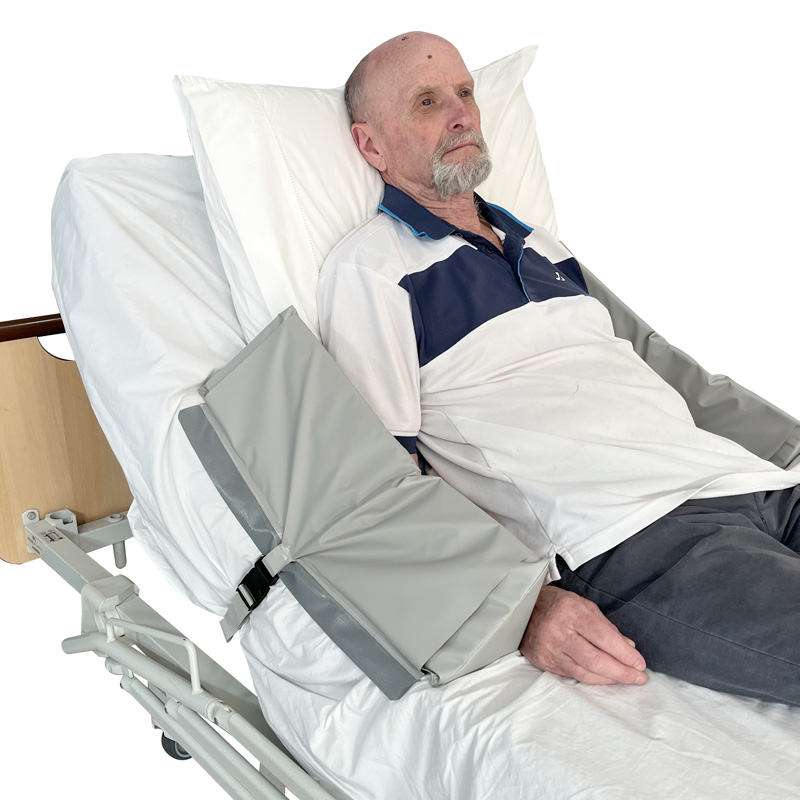
Bed Side Wedges – Heat Sealed
Suitable for people who need reminder not to roll out of bed.
From AUD $95.00

Stand Up Alarm Spare Plugs
Accessories for the range of Pelican Alarms.
From AUD $16.00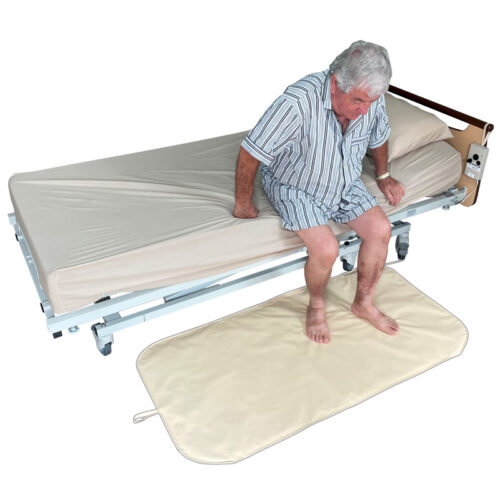

Stand Up Floor Alarm
Alerts carers when a patient has stood on mat.
From AUD $324.00